
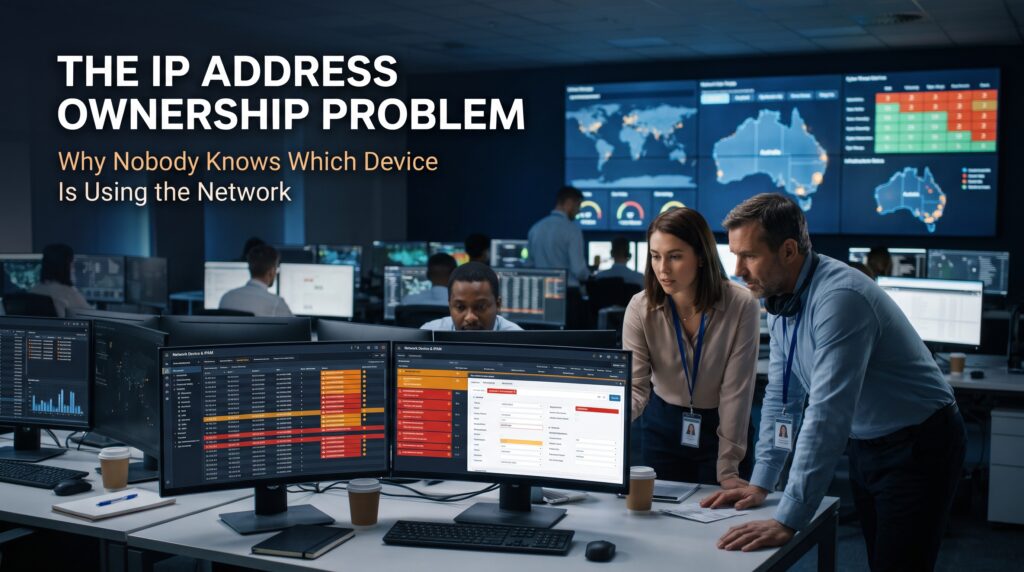


IP address ownership is the simple idea that every IP address on your network should have a known device, a known purpose and a known person behind it. Most networks cannot say that. Someone pastes 10.20.30.45 into a ticket, a firewall alert or a log file, and the room goes quiet. Is it a printer? A contractor’s laptop? A server somebody forgot to decommission in 2022?
The IP address ownership problem is not caused by a lack of tools or talent. It builds slowly as networks grow, devices come and go, and the spreadsheet that once tracked everything quietly falls out of date. This guide explains why nobody knows which device is using the network, what that costs, and how to fix it with steps any network team can start this week. Along the way you will see how core CCNA skills in IP addressing, DHCP, ARP and Layer 2 security turn a mystery address into a name and an owner.
What Is the IP Address Ownership Problem?
The IP address ownership problem is the gap between an address being in use and anyone being able to say who is accountable for it. An IP address is a label that devices borrow. DHCP hands it out, takes it back and hands it to someone else. The network records that the address is busy. It does not record why.
Three questions show the gap quickly. Which device holds this address right now? Who is responsible for that device? And who held it last Tuesday at 2:14 pm, when the alert fired? Healthy networks can answer all three in minutes. Networks with weak IP address ownership can usually answer none.
This matters far beyond curiosity. Every security investigation, outage and firewall change starts with an IP address, so if the address cannot be traced, everything downstream slows. We covered a related theme in Nobody Knows How the Network Works, which looks at the hidden cost of poor documentation. This article focuses on one piece of that puzzle: the addresses.
Why Nobody Knows Which Device Is Using the Network
No single mistake creates the problem. It grows out of six ordinary habits that nearly every IT team will recognise.
Addresses are borrowed, not owned
The Dynamic Host Configuration Protocol, defined in RFC 2131, gives devices an address for a limited lease. When the lease expires, the address can move to a different device. Without lease history, an answer that was true yesterday is false today, and nobody notices.
Static addresses live in spreadsheets
Printers, cameras, servers and access points often get manual addresses, recorded in a spreadsheet or wiki page. At first the sheet is accurate. Then devices are replaced, sites change, and nobody deletes an entry because nobody is sure it is safe to.
Wi-Fi devices hide behind random MAC addresses
Modern iPhones, iPads and Android phones use private or randomised MAC addresses on Wi-Fi networks by default. That helps user privacy, but it breaks any inventory that identifies devices by MAC. The same phone can appear as a different device on a different network, or after a settings change.
IPv6 and NAT blur the picture
IPv6 hosts can generate temporary addresses that change on purpose, a privacy feature described in RFC 8981. Network address translation hides many devices behind one public address. On top of that, the private ranges in RFC 1918 are reused everywhere, so 10.1.1.5 can mean one device in Sydney and a completely different one in Brisbane, especially after a merger.
Everyone assumes somebody else has the record
The network team assumes system owners track their own devices. System owners assume the network team tracks addresses. Security assumes both.
Devices multiply faster than documentation
Virtual machines, containers, security cameras, badge readers, meeting room screens and personal laptops all plug in and take an address. Many arrive without anyone telling the network team.
Signs of an IP Address Ownership Problem
You do not need a formal audit to spot it. Look for these warning signs:
- An IP address list that was last updated months ago, or several conflicting copies of it
- Duplicate IP address warnings and “it works for some people” faults that come and go
- DHCP scopes close to exhausted even though headcount has not changed
- Firewall rules and access lists that reference addresses nobody recognises
- Security alerts that stall on the question “what device is that?”
- Unfamiliar MAC addresses in switch tables, or vendor prefixes that match nothing you bought
- Overlapping private subnets between offices, usually after an acquisition
If three or more of those sound familiar, you have an IP address ownership problem, and it is structural rather than a one-off cleanup.
What Weak IP Address Ownership Really Costs

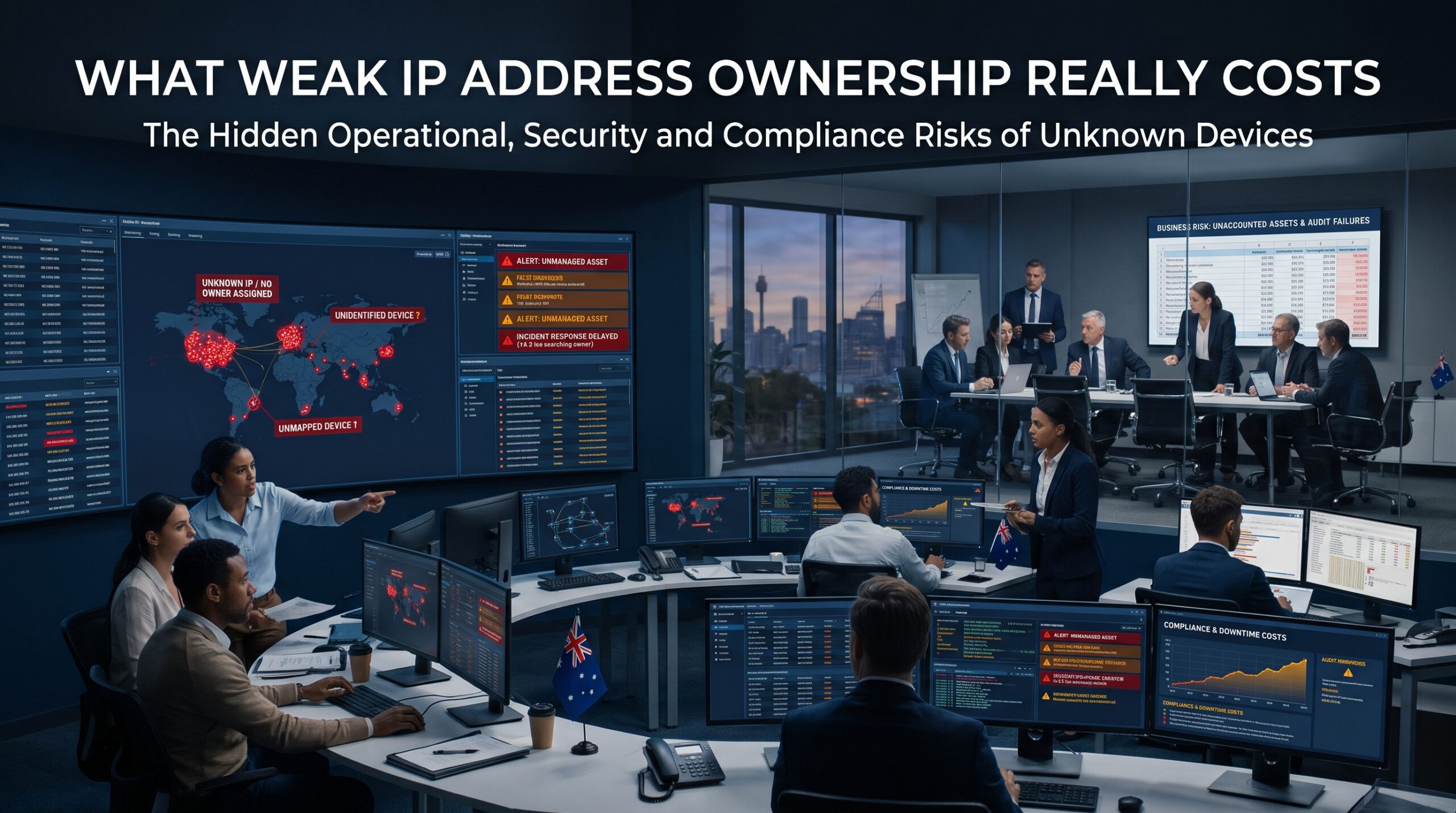
It slows troubleshooting
A duplicate address is a classic example. Two devices claim the same address, connections drop at random, and the fault looks like a bad cable, a bad switch or a bad application. Hours disappear before anyone thinks to check who else is using the address. Strong network troubleshooting skills help, but they work far faster when the records are right.
It weakens security
Logs record IP addresses, not people or devices. If DHCP logs have rotated out, attributing yesterday’s traffic to a specific machine becomes guesswork. Rogue devices and shadow IT hide in the same blind spot. Frameworks from the Australian Cyber Security Centre, including the Essential Eight, assume you know what you are defending, and you cannot patch, restrict or monitor a device you cannot identify.
It wastes address space and makes changes risky
Stale reservations eat into DHCP scopes. Nobody dares renumber a subnet because nobody knows what is in it. Old firewall and ACL entries linger for years, quietly allowing traffic for devices that no longer exist, or worse, for a new device that inherited the address.
Tracing an Unknown IP Address Back to a Device
When an unfamiliar address shows up, a short routine on Cisco equipment will usually find it. Work from the gateway outward:
- Ask the Layer 3 gateway for the MAC address behind the IP using the ARP table.
- Look that MAC up in the switch’s MAC address table to find the port.
- Follow trunk links with CDP or LLDP until you reach the access switch and the physical port.
- Check the DHCP binding or the DHCP snooping binding table for lease details and history.
- Look up the first half of the MAC address (the OUI) to identify the manufacturer.
show ip arp 10.20.30.45
show mac address-table address 0050.56a1.2b3c
show cdp neighbors detail
show ip dhcp binding 10.20.30.45
show ip dhcp snooping binding
Move quickly. ARP entries age out after four hours by default on Cisco IOS, and switch MAC address entries age out after 300 seconds. Also check whether the MAC is randomised: if the second hex digit of the first byte is 2, 6, A or E, it is a locally administered address, which usually means a phone or laptop using a private Wi-Fi address rather than a fixed hardware ID.
Who Should Own What on the Network?
Fixing IP address ownership starts with deciding who is accountable at each level. There is no single perfect answer, but there is a clearly wrong one: nobody.
| Area | Typical accountable owner | What they are responsible for |
| IP plan and subnets | Network architect or network lead | Address ranges, subnet design, avoiding overlaps |
| DHCP scopes and reservations | Network team | Scope sizing, reservation records, lease history |
| Static server addresses | System or application owner | Keeping the record current when a server changes or retires |
| IoT, cameras and building systems | Facilities or OT owner with IT | Dedicated subnet, device list, firmware and decommissioning |
| Guest and BYOD networks | IT service desk with security | Onboarding rules, isolation, log retention |
| Cloud and virtual networks | Cloud platform team | VNet or VPC ranges that do not overlap with on-premises |
| IPAM record itself | Named team mailbox | Accuracy, quarterly review, change process |
One rule matters more than the table: name a person or a monitored team mailbox, never a department. “IT” is not an owner.
How to Fix IP Address Ownership in Seven Steps
Step 1: Build one source of truth
Choose a single place where addresses are recorded. Open-source tools such as NetBox and phpIPAM, and commercial IPAM platforms, all do the job, and even a well-managed shared spreadsheet beats five scattered ones. Record the IP address, device name, MAC address, VLAN, owner, purpose, date added and a review date. If your organisation holds its own public address space, also keep your contact details current with APNIC, the regional internet registry for the Asia-Pacific.
Step 2: Design subnets by purpose and owner
Separate VLANs and subnets for staff, servers, guests, voice, cameras and building systems make ownership obvious from the address alone. If a camera sits in the camera range, you already know who to ask. Plan private ranges across all sites so they never overlap, which is the same subnetting skill tested in the CCNA exam.
Step 3: Prefer DHCP reservations to loose static addresses
A reservation gives a device a predictable address while keeping the record in one place, with a description field you can use for the owner. Keep true static addressing for infrastructure such as routers, switches and firewalls, and document each one.
Step 4: Turn on switch-level guardrails
DHCP snooping, Dynamic ARP Inspection and port security help stop rogue DHCP servers and spoofed addresses. As a bonus, the DHCP snooping binding table links IP address, MAC address, VLAN and port in one place, which is exactly the evidence you need when tracing a device.
Step 5: Keep lease and log history long enough
Send DHCP and switch logs to a central syslog server and keep them long enough to answer questions about last month, not just last week. Synchronise every device with NTP so timestamps line up. A log without a reliable time is almost useless in an investigation.
Step 6: Run regular discovery and reconcile
Once a quarter, compare what the network can see (ARP tables, DHCP bindings, a discovery scan) against your IPAM records. Anything on the network but not in the records is a mystery to chase. Anything in the records but not on the network is a candidate to retire.
Step 7: Build ownership into everyday processes
Add an IPAM update to new-device onboarding, server decommissioning and every change request. Use consistent DNS names that point back to an owner or team. The more routine it becomes, the less it needs heroic clean-up projects. These habits reflect the wider networking skills that cloud, security and infrastructure roles depend on.
IP Address Ownership Across Australian Cities
The problem is national, though it looks a little different depending on where you work.
Sydney. Managed service providers and multi-site enterprises often inherit address plans from several clients or past mergers, so overlapping ranges are common. Build the skills through our CCNA course in Sydney.
Melbourne. Large campuses in education, health and technology tend to mix staff, student, guest and IoT devices on busy networks. Logitrain trains from West Melbourne, and you can explore the CCNA course in Melbourne.
Brisbane. Government, infrastructure and utilities networks often combine long-lived legacy equipment with new cloud services, which makes accurate address records even more valuable. See our CCNA course in Brisbane.
Perth. Resources and engineering organisations frequently run remote sites with operational technology on the same address plan as the corporate network. Learn more about the CCNA course in Perth, available as live online or in-house training.
Adelaide. Smaller teams in health, defence and manufacturing often have one network engineer carrying the whole address plan in their head. Our CCNA training in Adelaide can be delivered live online or in-house.
Canberra. Government agencies and their suppliers are expected to know what is connected to their networks, so accurate IP records are part of everyday accountability. Explore the CCNA course in Canberra for live online or in-house delivery.
CCNA Skills That Solve IP Address Ownership Problems
The CCNA 200-301 syllabus covers most of what you need to find, document and control addresses:
| CCNA topic | How it helps with IP address ownership | Learn more |
| IPv4, IPv6 addressing and subnetting | Design clean subnets and spot overlapping ranges | CCNA modules |
| DHCP, DNS and NAT | Understand leases, reservations and why addresses change | CCNA training course |
| ARP, MAC tables and switching | Trace an address to a specific switch port | CCNA bootcamp |
| VLANs and trunking | Separate devices by owner and purpose | CCNA overview |
| Layer 2 security | Use DHCP snooping, DAI and port security to block rogue devices | CCNA exam preparation |
| Automation basics | Keep IPAM and device configurations in sync | How to pass CCNA 200-301 |
The course fee on our site includes the CCNA 200-301 exam voucher, and you can check the full CCNA certification cost in Australia before you enrol. Logitrain also offers the CCNA course and a broader range of Cisco courses, including entry-level CCST Networking for complete beginners.
IP Address Ownership: Frequently Asked Questions
How do I find which device is using an IP address?
Check the ARP table on your gateway to get the MAC address, find that MAC in the switch’s MAC address table to identify the port, then confirm with the DHCP binding or DHCP snooping binding table.
What is IP address ownership?
It means every IP address on the network is linked to a known device, a purpose and a responsible person or team, recorded somewhere everyone can find it.
What causes an IP address conflict?
Usually a static address placed inside a DHCP range, a device with a manual address nobody recorded, or a rogue DHCP server. Good records and DHCP snooping prevent most of them.
Is a DHCP reservation better than a static IP address?
For most end devices and servers, yes. A reservation keeps the address predictable while the record stays in the DHCP server and IPAM. Reserve static configuration for core network equipment.
Final Thoughts: Give Every Address a Name
IP address ownership is rarely a tooling failure. It is a habit failure, and habits can be changed. Record addresses in one place, design subnets around purpose, reserve instead of guessing, switch on the Layer 2 protections, keep logs long enough to matter, and review the records every quarter.
If you want the networking skills to do this with confidence, speak to our team about CCNA training. Call 1300 649 299 or send an enquiry, and we will help you choose the right class for your goals. You can also read our CCNA FAQs or learn what CCNA is before you decide.